Cursor already understands your codebase. Helix helps it understand the work around the codebase: candidate scheduling threads, customer escalations, product feedback, partner asks, and calendar commitments. The result is a code editor that can answer why work matters, not only where a symbol is defined.
1. Create a focused Helix identity
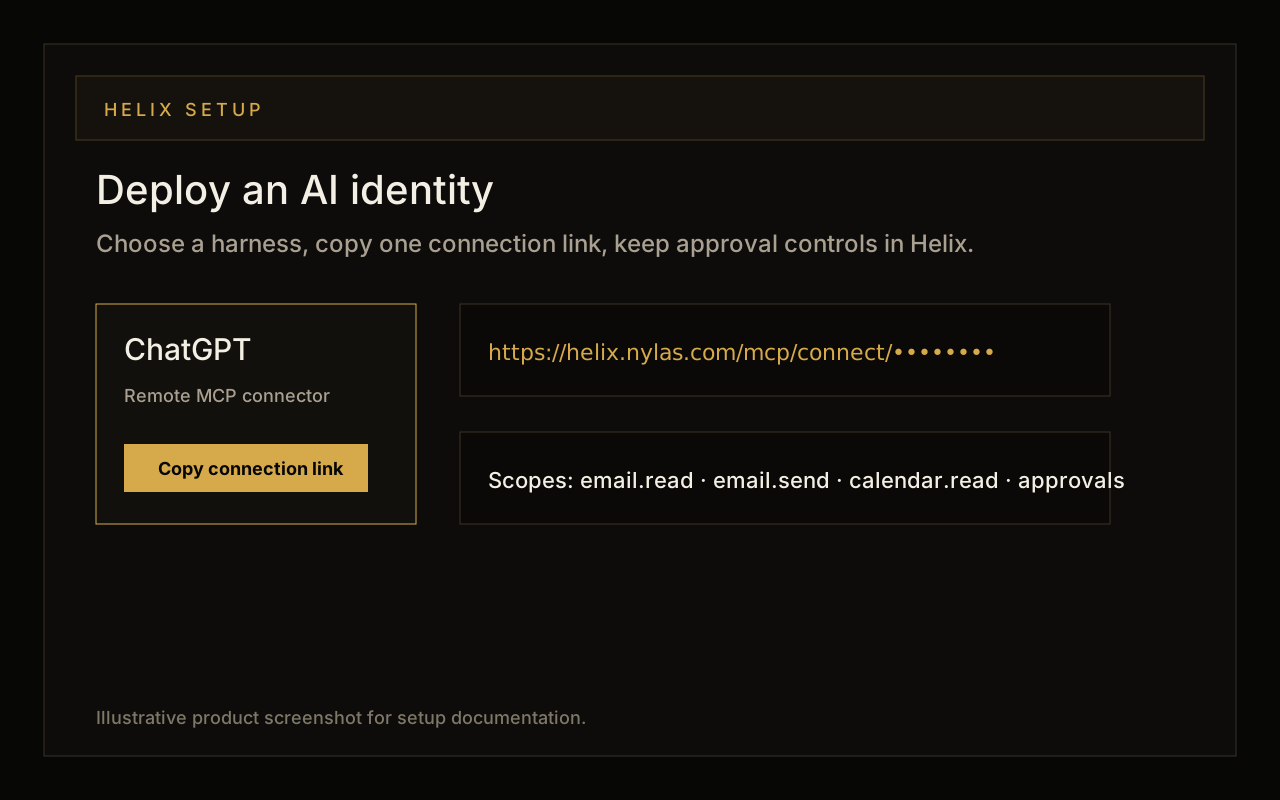
Start in Helix with a dedicated identity for the workflow you want Cursor to understand. For example, use a recruiting coordinator identity for candidate threads, a support triage identity for escalation work, or a founder inbox identity for high-priority operating context.
2. Add the remote server in Cursor
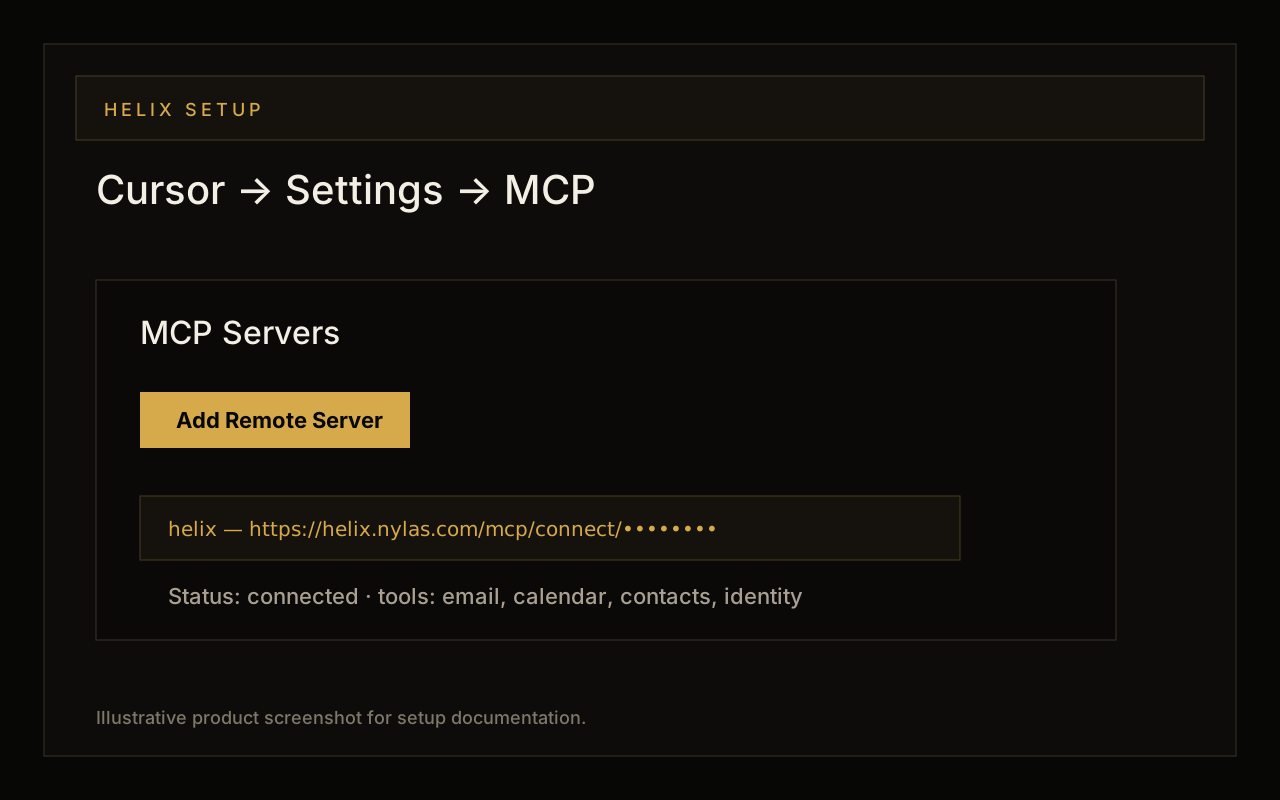
Open Cursor settings, go to the MCP section, choose Add Remote Server, and paste the Helix connection link. Save the server as Helix. Cursor should show the remote server as connected once it can reach the Helix MCP endpoint.
3. Ask Cursor to use Helix context deliberately
Do not make every coding prompt depend on email. Ask for Helix context when the source of truth lives outside the repository: a customer request, a deadline, a candidate thread, or a stakeholder update. That keeps tool calls intentional and makes the answer easier to audit.
Prompts to try after connecting
- Find candidate threads waiting on scheduling and summarize the next step before I update the recruiting automation.
- Read the latest customer escalation about webhook retries and tell me which files in this repo are likely relevant.
- Before I draft a PR description, summarize the stakeholder asks from email and compare them to the diff.
- Find any emails mentioning this API route name and extract real-world examples I should include in tests.
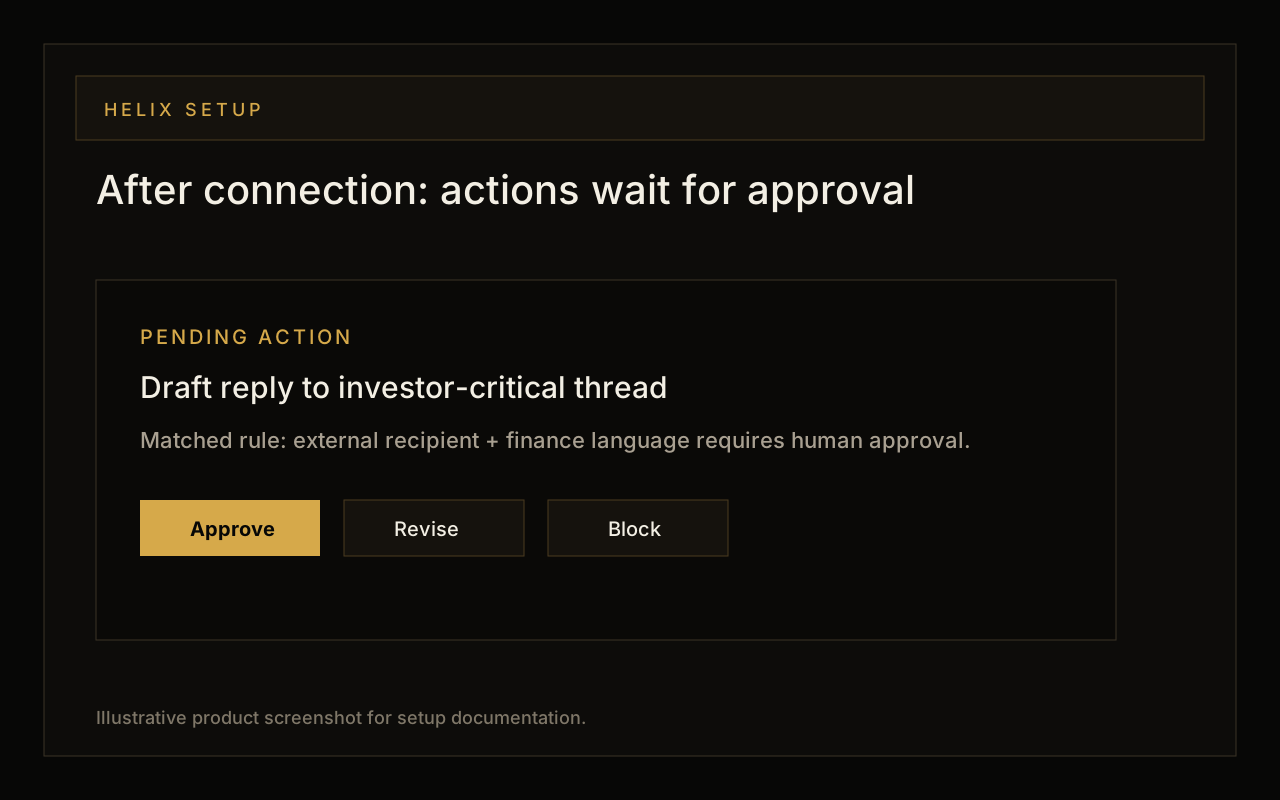
- Draft a follow-up to the customer explaining the fix, but leave the message pending approval in Helix.
What Cursor can do with Helix
Cursor can use Helix tools to retrieve source-of-truth context, summarize related threads, compare requirements to code, prepare test cases from customer language, and draft outbound updates. Helix keeps write operations and external communication behind approvals, so the editor can help you move faster without silently acting as you.