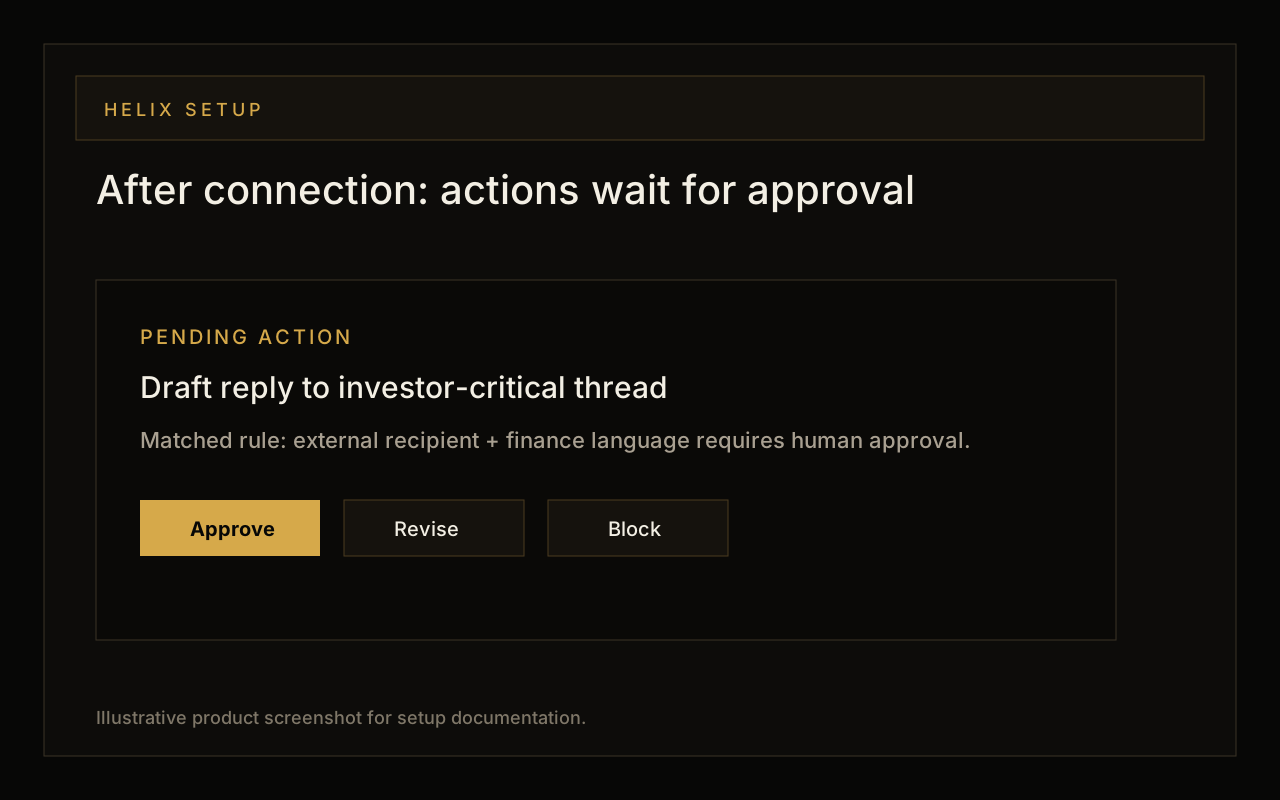
Claude Code is strongest when it can connect code changes to the surrounding work: the customer email that requested a fix, the meeting where a deadline moved, or the approval rule that decides whether an automated reply can be sent. Helix gives Claude Code a scoped MCP identity for that operational context.
1. Run the setup command
From the terminal where you use Claude Code, run the Helix setup command. It performs dynamic client registration, opens a device-code approval in your browser, and registers Helix with Claude Code as an MCP server.
npx @nylas/helix-mcp-server --setup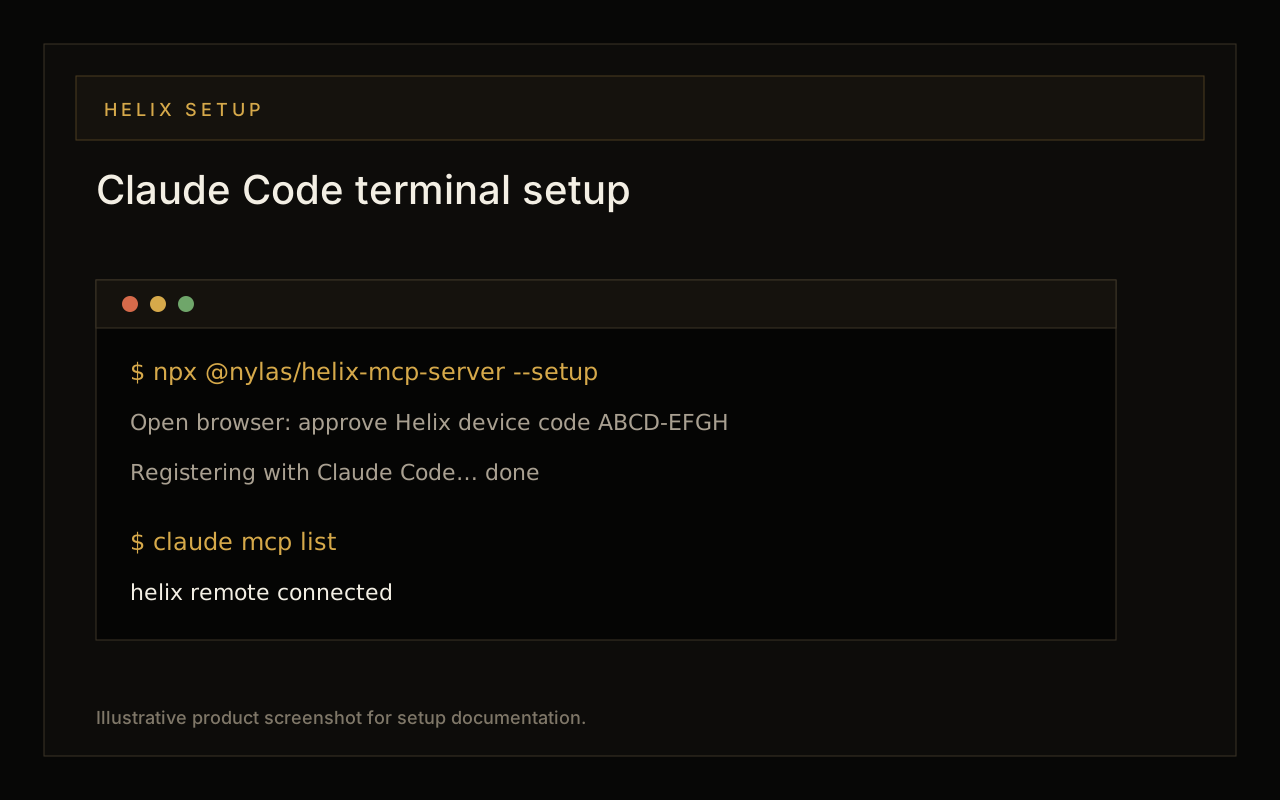
2. Confirm Claude Code sees Helix
After approving the browser prompt, verify the server list. Helix should show as connected. If it does not, restart Claude Code and run the list command again before debugging prompts.
claude mcp listManual setup if you cannot use auto-setup
If your environment blocks the setup helper, activate Claude Code from Helix Deploy, copy the connection key, and add Helix manually with the Claude MCP CLI. Use a user-scoped registration unless you intentionally want the server configured at project scope.
claude mcp add --transport http -s user helix \
  https://helix.nylas.com/mcp \
  --header "Authorization: Bearer <connection-key>"
Prompts to try after connecting
- Find the customer email that explains the bug I am fixing on this branch. Summarize the acceptance criteria before I edit code.
- Review my unread engineering emails from this week and extract anything that changes the priority of the current project.
- Draft a status update for the stakeholders on this thread. Include what shipped, what is blocked, and leave the email pending approval.
- Look at my calendar for the next two days and identify meetings that need prep from this repository or from recent email threads.
- Find support threads mentioning authentication errors and create a concise reproduction checklist for the issue I should test locally.
Good safety defaults for coding agents
A terminal agent can be powerful, so keep the Helix identity narrow. Give Claude Code enough read context to understand the work, but route external communication, calendar writes, and cross-system side effects through approvals. This keeps the coding loop fast without hiding authority inside a prompt.